Wi-Fi That Actually Works.
Designed coverage. Hardwired backhaul. Clean closets. We build home networks the way business networks are built, because the device count in a modern luxury home rivals a small office.
Schedule a Wi-Fi SurveyHeatmap-Designed Coverage
We model coverage on the floor plan first, then verify with on-site surveys. No guessing where APs go.
Cat6 / Cat6A Pre-Wire
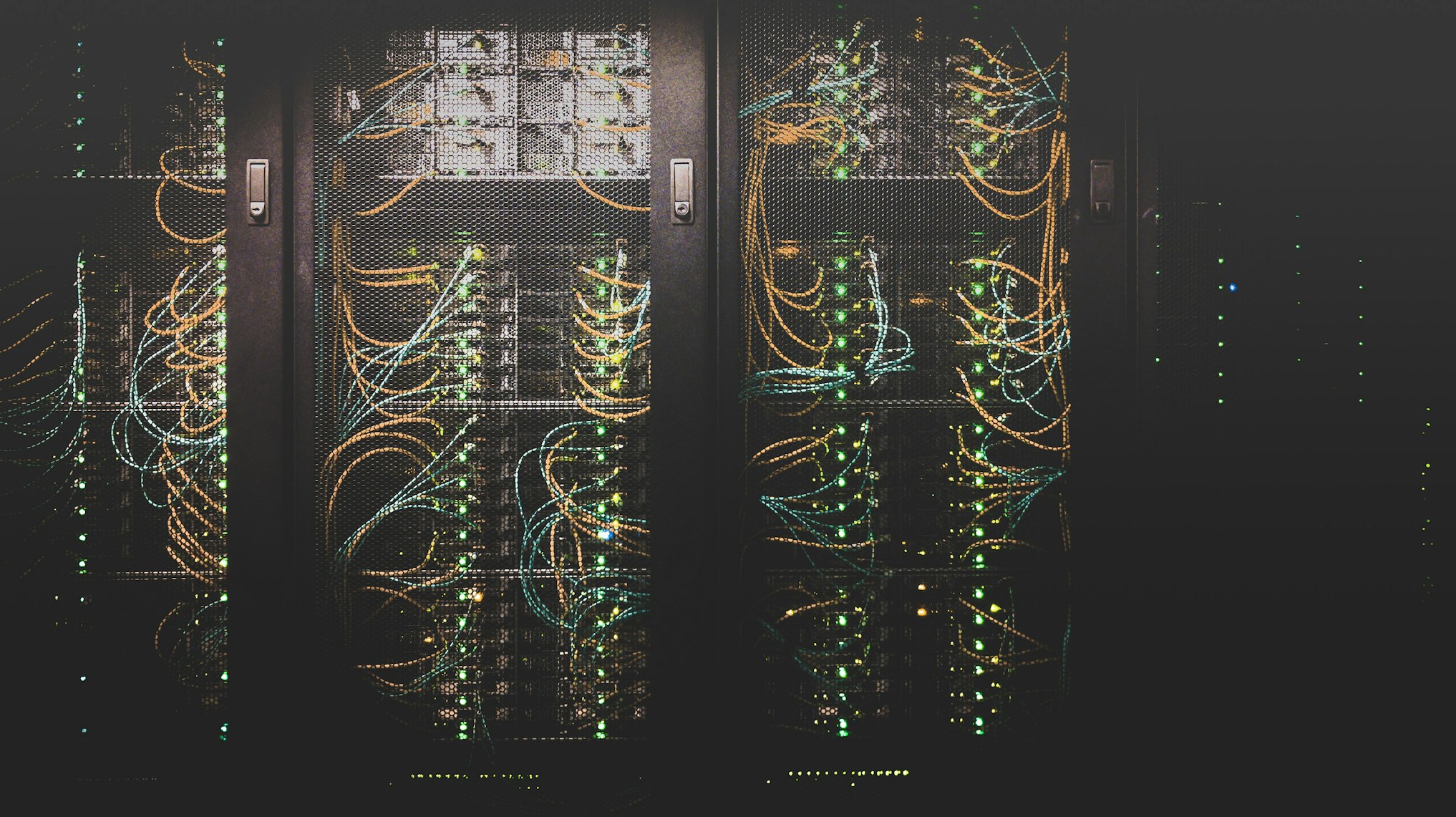
Home-run cabling from a central closet to every TV, AP, camera, and key device location. Tested and certified.
UniFi Switching
PoE switching, VLAN separation, and remote management, so we can troubleshoot from Brick if something acts up.
Frequently Asked
Why does my mesh router still leave dead zones?
Consumer mesh systems share a single radio for client and backhaul, which halves throughput on every hop. We design with hardwired Ethernet backhaul to professional UniFi access points so coverage and speed are consistent everywhere, including outside.
Do I need to rewire to upgrade?
Not always. We do site surveys to find the minimum cabling needed. In existing homes we often run cable through attics, soffits, or crawl spaces to add 2 to 4 access points without major drywall work. New construction gets a full structured-cabling pre-wire.
How many access points do I actually need?
Depends on the home: square footage, construction type (stucco and plaster kill Wi-Fi), and outdoor coverage needs. A typical 4,000-sqft home wants 3 indoor APs plus 1 or 2 outdoor APs. We confirm with a heatmap survey.
What's a structured cabling pre-wire?
During construction we run Cat6 or Cat6A from a central network closet to every TV location, AP location, camera spot, and key device, all home-runs back to a patch panel. Doing this during framing is 10x cheaper than retrofitting later.
Can the Wi-Fi system isolate guest devices and IoT?
Yes. We set up separate VLANs and SSIDs (main network, guest, IoT for cameras, locks, and smart devices) so a compromised IoT device can't see the rest of the network. Standard practice on every install.